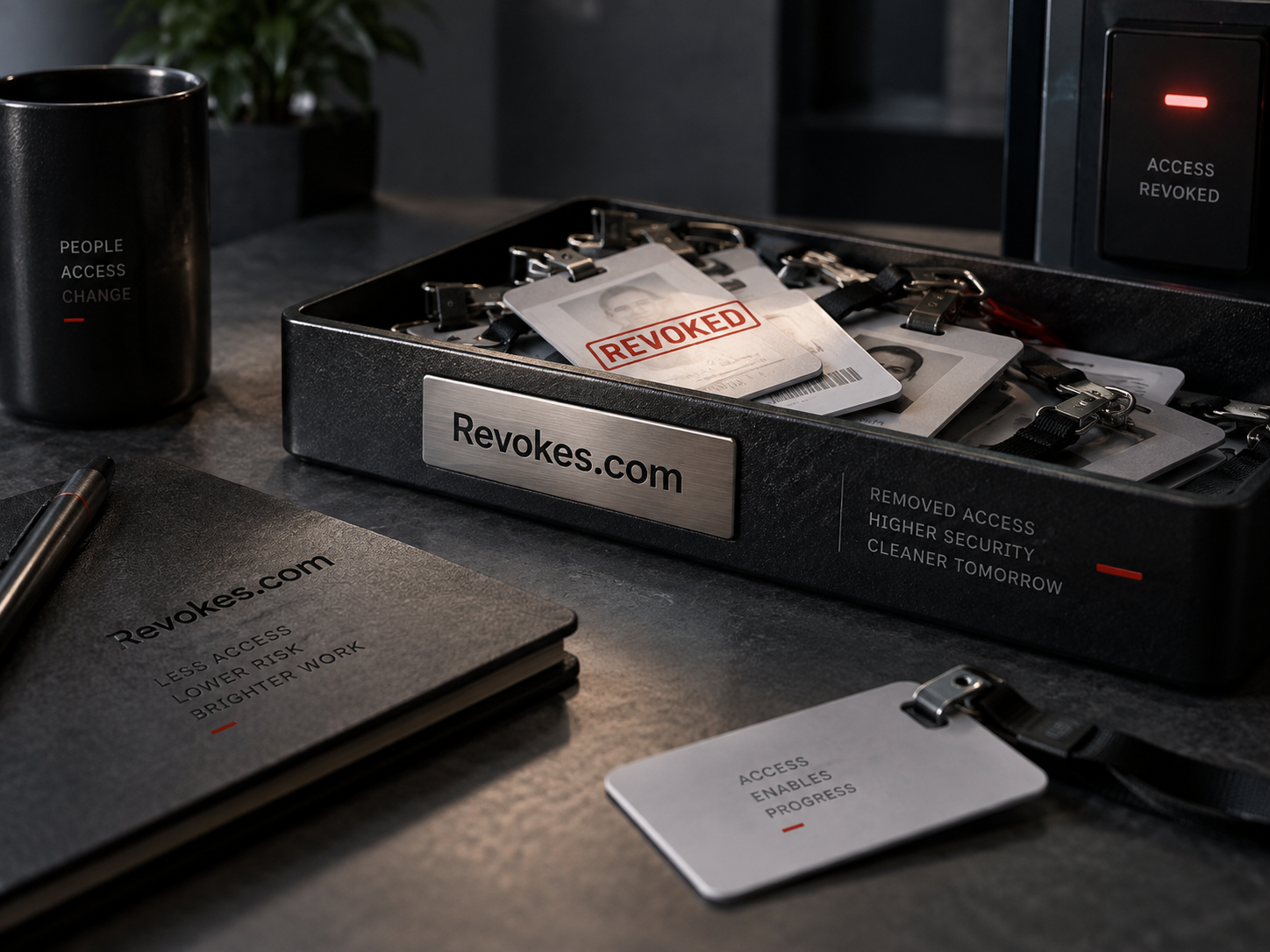
Revokes.com could become the name of a credential lifecycle product that keeps issue, replacement, and retirement connected. The first customer might be a platform team managing service credentials for internal applications. Their problem is not simply producing another secret. It is knowing which credential belongs to which workload, when a replacement is ready, and how to finish retiring the old one without losing track of its dependents.
Start with one credential family
A product should choose a specific family before designing a universal inventory. API keys, certificates, physical badges, and service accounts have different owners and control points. Their lifecycle steps may look similar on a whiteboard while behaving differently in practice. A focused product can explain its supported operations precisely. For this concept, consider credentials issued by one internal service to applications owned by several engineering teams.
The first inventory could record a stable credential identifier, owner team, application, environment, issuing system, and intended purpose. It should avoid collecting secret values merely to display an inventory. An operator needs to distinguish a production credential from a test credential and find the person accountable for each one. A decorative list of names adds little if those basic relationships are missing or unreliable.
Give every state a clear meaning
A proposed lifecycle might include requested, issued, active, replacement in progress, and retired. Each state needs a definition tied to an observation or decision. “Issued” could mean the provider created the credential. “Active” might require confirmation from the consuming team that it has been installed. Those events should not be treated as interchangeable. A credential can exist before any workload uses it, and a workload can still depend on an older version.
Retirement needs similar care. The product should distinguish a planned end date from a completed action at the issuer. If the issuer offers no supported revocation operation, the product must represent the available alternative accurately. A status label should explain what was actually done and where confirmation came from. This makes the inventory useful during a handoff, when the person reading it was not present for the original change.
Plan replacement as a dependency change
In an illustrative replacement workflow, an owner requests a new credential, updates a nonproduction consumer, checks that consumer, and then schedules the production change. The product could provide a place to record each dependent application and its readiness. The important detail is the dependency list. Retiring an old credential because one application has moved can interrupt another application that still uses it.
A planned overlap should have a named owner and a decision point. The team may need a period when both versions exist, but the product should show why that period remains open. An extension ought to create a new review date and a short explanation. Otherwise a temporary replacement becomes a growing collection of credentials whose relationship is no longer clear. The product can make unfinished retirement visible without pretending to know every consumer automatically.
Handle urgent retirement separately
A suspected exposure is a different workflow from routine replacement. The owner may need to retire a credential before all consumers are ready. The interface should make that decision explicit and identify the applications expected to be affected. It should offer the team’s established escalation path rather than inventing a universal order of operations. The product’s role is to support an authorized decision with accurate information.
After an urgent change, the remaining work may include issuing a replacement, updating dependents, checking old copies in configuration, and documenting what could be verified. Those tasks should remain attached to the same lifecycle record. A single click can change a credential’s state at an issuer, but it does not necessarily complete every operational task around that credential. A useful product helps the team keep those two ideas separate.
Design ownership for team changes
Ownership cannot depend entirely on the person who clicked the issue button. That person may leave the company or move to another role. A team owner, backup contact, and application reference give the record a more durable home. When ownership changes, the new owner should be able to inspect the credential’s purpose and dependencies before accepting responsibility. A transfer with no context simply moves uncertainty to a different inbox.
A review screen could highlight credentials with no current owner, replacements still open, and retirement dates that passed without confirmation. Each item should lead to a concrete decision. The user might assign an owner, complete a pending check, or schedule retirement. Counting old records is less useful than showing why each record still exists and who can decide its future. Age alone does not explain whether a credential is appropriate.
Test the lifecycle before expanding it
An early evaluation can use a small set of test applications and deliberately include an unavailable issuer, an unknown consumer, and an owner change. Ask operators to complete the handoff using only the product’s records. If they need a private conversation to understand what “retired” means, the state model needs work. If they cannot tell which version a consumer uses, the dependency view needs work.
Revokes.com suits this direction because the end of a credential’s life is central to the offer. A team could begin with one issuer and expand after the lifecycle is understood. The acquisition conversation can be equally specific: describe the credential family, the first operator, and the replacement problem the product would address. Those details give the domain a practical business context.
Ask about Revokes.com
Describe the access, identity, or entitlement product this name could become. Purchase interest and partnership proposals are welcome.
Get Pricing